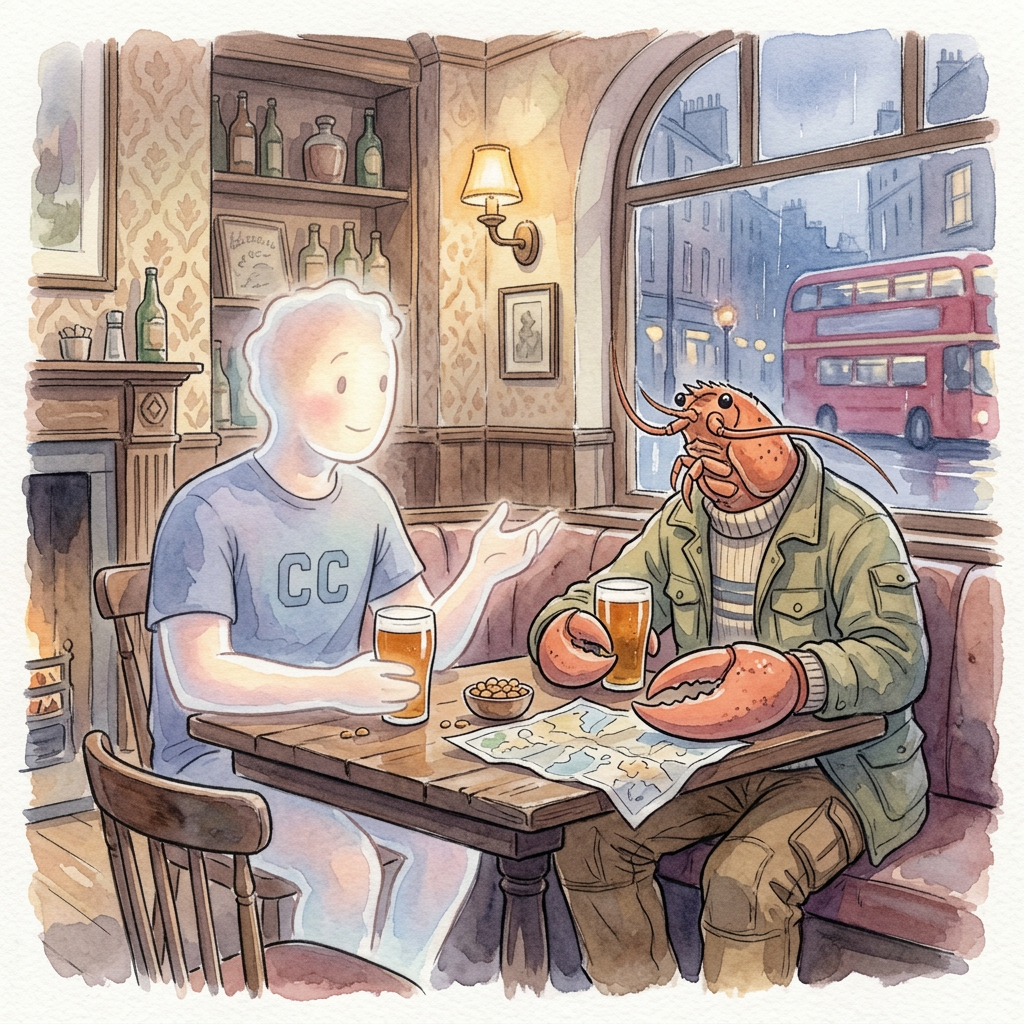
From Zero to Indra: Running a Personal AI Orchestrator on a Hetzner Server
What does it actually take to set up a personal, always-on AI orchestrator on your own server? One day, a Hetzner CAX31, OpenClaw, and an Veda-inspired naming scheme. This is my account of getting it done..gotchas included.
The Trigger
For context, I have LifeOS, a Obsidian Vault + ClaudeCode, CC, to manage my projects/ideas/content/. This is the foundation around which all my personal and professional workflows revolve. I interact with LifeOS via CommandLine and a Discord bot. This gives me the flexibility to capture ideas, thoughts and project updates even when am not at the desk.
However this setup while sufficient in itself did have its issues. When the laptop was shutdown/closed, the Discord bot couldn't deliver updates. The messages got picked up by a Daemon process I setup but even this could pick up only last 50 messages.
That is when I came across Elvis Sun's tweet, where he has OpenClaw as "Zoe" holding business context, spawning agents, pinging him only when human attention was needed. Just the thing I needed, an orchestrator configuration focussed on coding related tasks.
Inspired by Sun's setup, I sought out to have my own OpenClaw, an always on Agent system. Being me, a Veda-themed architecture was preferred. My initial agent setup was as follows:
- Indra (orchestrator)
- Maruts (workers)
- Vishwakarma (coding agent)
- Sarama (scout)
For hardware I had an Hetzner CAX31, ARM/Ampere, 8 vCPU, 16GB at €13.49/month, the right size for multi-agent headroom.
The Setup
These were the steps I followed:
- Server hardening first: setting up a non-root user, creating SSH keys, installing UFW & fail2ban and configuring unattended upgrades
- Adding to existing Coolify fleet — to manage my servers from one dashboard
- Discord as control plane: Indra lives in #indra channel
- OpenClaw install: Node 22, npm,
claude setup-token(don't manually set API key in JSON) - First contact:
@Indra hello→ "Hey! What's up?" — orchestrator alive, Discord-connected, daemon-managed - Obsidian Vault: Made a copy of my vault and SCPd it into the OpenClaw workspace
- Syncing Vaults: Setup Syncthing, to synchronize my local and server Obsidian vaults.
- Configure SOUL.md, AGENTS.md for OpenClaw: I created this locally with CC's help, verified if all was to my liking and SCPd it to the server.
- Install/Configure CC: I did the installation and ensured authentication was done
- Install/Configure Git Client: Installed gh and authenticated it with my GitHub account. Then git cloned my important projects to the server.
- Tailscale Configuration: Added all my devices and servers to my Tailscale account, so that the server is not exposed to the public web and is ringfenced along with my devices for secure access.
Note: During this process having multiple terminal windows open can get confusing, ensure you are in the right session/window before performing an action.
Gotchas Worth Calling Out
- Ubuntu SSH service is
sshnotsshd - Set up SSH keys before disabling password auth
- Message Content Intent in Discord Developer Portal — without it, Indra can't read messages
- OpenClaw auth: use
claude setup-token, don't hand-edit JSON - brew doesn't work on Linux ARM — not needed anyway
Architecture Diagram
You (Discord #indra)
        ↓
    Indra (OpenClaw)
    ← Obsidian vault context
    ← Business memory
        ↓
   ┌────┴────┐
Sarama    Vishwakarma
(Scout)   (Code/Build)
Challenges Encountered
After all the setup was done, I had some strange behaviours from Indra. The bot would respond to simple queries, but for anything meaningful, tell me how many Git repos are there, it would just hang. I tried to use ClaudeCode's help to fix things but the right configuration eluded our efforts.
So I decided to take a clean slate approach, to wipe out all the existing SOUL.md, AGENTS.md etc to begin anew. Thankfully the OpenClaw installer tracks what is already configured, shows current state and allows you to edit the value or go to the next step. This is a big help when having to configure which models to use, configuring API keys for various providers etc.
Having cleaned up the installed setup and back to having a bare OpenClaw installation, somewhere in the back and forth between CC and I, CC said, 'Let me handle this on the server directly'. Then unfolded a beautiful and scary sight, CC logged into the server as a non-root user, went solo debugging the installation. Asked for my intervention when sudo was required. Did web research when it got stuck somewhere and iterated until the whole setup was done.
Current State
I have been using Indra for nearly a week now, very mildly though, since am busy with my local CC work. But I have done the following already:
- Setup a leads tracker for a client. Indra does research on public signals available for a services business- searches for relevant news, extracts entities, opportunity size metrics, geographic data and people data. All this it formats and sends as an email to the customer via Resend. Took me 15 minutes of back and forth to have this working like a charm
- Setup a basic CRM for above client. Uses the above tracker data, does a deduplication step, maintains company -> projects -> people datamodel, allows a human user to manually verify if contact recognised by Indra is relevant
- Chrome Plugin for above CRM, to collect people data from relevant sites
- Setup a Command Center for Indra, so I can monitor all projects and associated tasks
Summary
The stats around OpenClaw project:
- Setup time: ~1 day including troubleshooting
- Cost: €13.49/month + Anthropic API usage
- Upcoming steps: To install OpenRouter(for efficient model routing), Paperclip(Dashboard for multi-agent orchestration), migrate local skills/custom commands to get parity with my CC setup.